Smart home system installation means wiring in the devices that control your lights, climate, security and power from a phone or voice assistant: smart switches and dimmers, thermostats, video doorbells, cameras, smart outlets and whole home energy monitors. Many of these products look like simple DIY swaps, but in older Federal Way houses they often run into missing neutral wires, crowded boxes or circuits that were never meant for them. Electrician Federal Way connects you with a licensed local electrician who can install them safely and make them work together. Call (253) 555-0100 to get started.
What a Smart Home System Can Include
Smart lighting
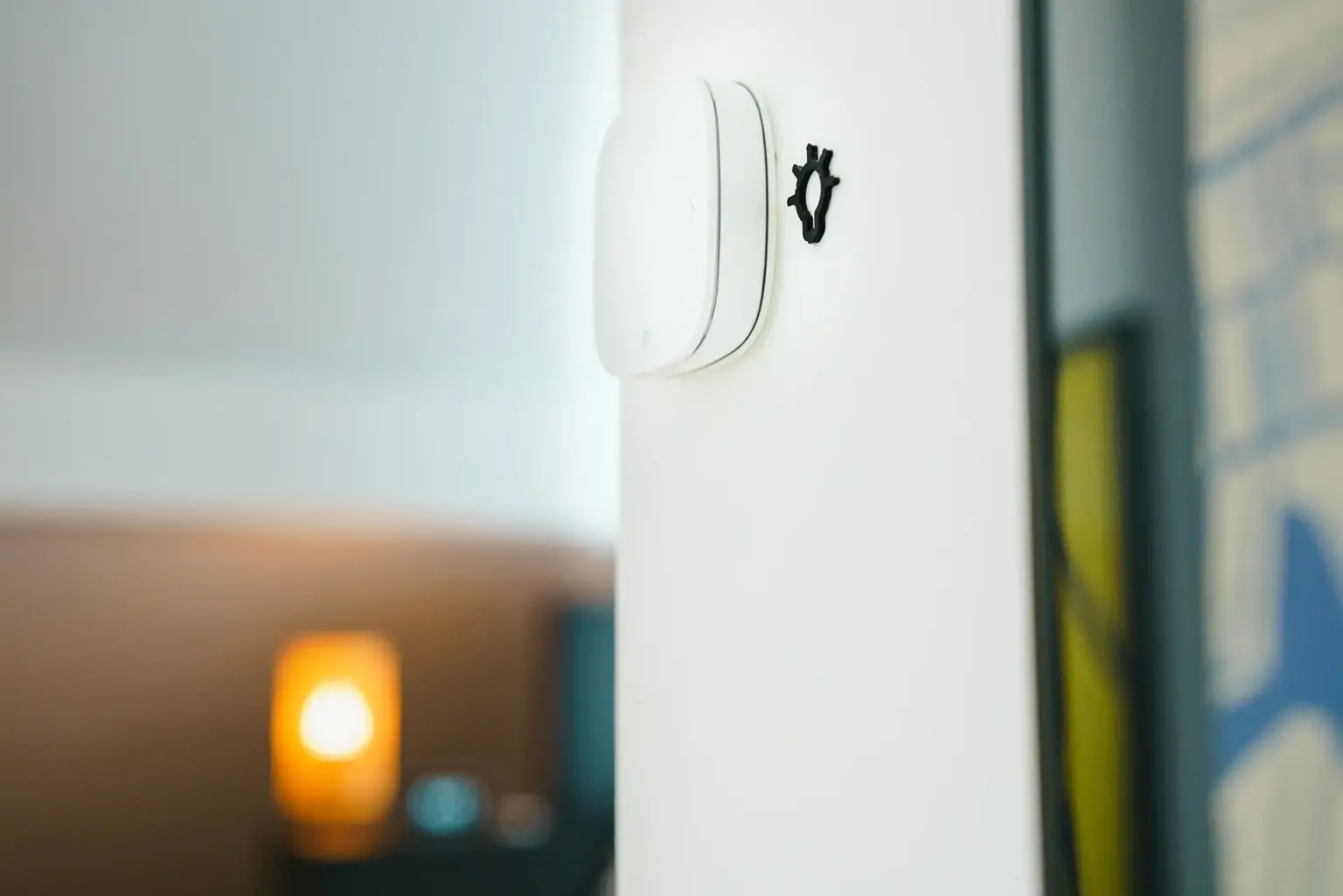
Smart switches, dimmers and in-wall modules that run on schedules, respond to motion or turn on from your phone. Switches keep working like normal switches for guests.
Climate control
Smart thermostats for furnaces and heat pumps, plus line voltage thermostats for the baseboard heaters found in many Puget Sound homes.
Security and entry
Hardwired video doorbells, floodlight cameras, exterior motion lighting and smart locks. See our smart doorbell installation page.
Outlets and power
Smart receptacles, USB outlets and scheduled circuits for things like block heaters, fountains or holiday lights.
Energy monitoring
Panel-mounted monitors that show what is using power, useful when you are planning an EV charger or heat pump.
Safety devices
Interconnected smoke and CO alarms, and water leak sensors in crawlspaces, laundry rooms and water heater closets.
Why the Electrical Side Matters
The app is the easy part. The problems usually live inside the wall box. Here is what your electrician looks at before anything goes in.
The neutral wire problem
Most Wi-Fi smart switches need a neutral (usually white) wire in the switch box to stay powered. Many homes built in Federal Way in the 1960s through the 1980s ran power to the light fixture first and sent only a hot and a switched wire down to the switch. Your electrician can confirm what you have, choose a switch designed to work without a neutral, or run a new cable where needed.
Box size and heat
Smart switches and dimmers are deeper than old toggle switches. Stuffing one into a small, crowded box can damage wires or cause the device to overheat. Box fill limits in the National Electrical Code exist for this reason, and larger or extended boxes are sometimes the fix.
Load and bulb compatibility
Smart dimmers have minimum and maximum loads and do not work with every LED bulb or fixture. A mismatch shows up as flicker, buzzing or lights that never fully turn off. Your electrician can match dimmers to your fixtures or recommend changes. Our lighting installation page covers fixtures in more detail.
Aluminum wiring and older devices
Most smart devices are rated for copper wire only. If your home has aluminum branch wiring, which shows up in some houses from the mid 1960s to early 1970s, connections need approved methods. This is not a DIY job.
Power protection
Smart devices are small electronics and do not like voltage spikes. A whole home surge protector at the panel helps protect them. See surge protection installation.
Choosing a Platform: Wi-Fi, Zigbee, Z-Wave, Thread and Matter
Devices talk to each other in different ways. The right choice depends on how many devices you plan to add and how strong your Wi-Fi is across the house.
| Type | How it connects | Good for | Keep in mind |
|---|---|---|---|
| Wi-Fi | Straight to your router | A few devices, simple setup | Many devices can crowd a home router; weak signal in garages and far rooms |
| Zigbee | Mesh network through a hub or compatible speaker | Larger lighting setups | Needs a hub or bridge |
| Z-Wave | Mesh network on its own frequency through a hub | Many devices, less Wi-Fi interference | Needs a hub; fewer budget products |
| Thread | Low power mesh through a border router | Newer devices, fast response | Needs a compatible border router |
| Matter | A shared standard that runs over Wi-Fi or Thread | Mixing brands and voice assistants | Check each product’s Matter support before buying |
If you already use Google, Amazon Alexa or Apple Home, tell your electrician so the devices you pick work with it. For a whole house project, a hub-based or Matter-ready setup tends to be easier to grow over time than a pile of separate apps.
Planning smart home upgrades in Federal Way?
Tell us what you want to control and how old your home is. We will connect you with a licensed local electrician.
DIY or Licensed Electrician?
| Usually fine to DIY | Call a licensed electrician |
|---|---|
| Plug-in smart plugs and lamps | Any smart switch or dimmer that replaces a wall switch in an older home |
| Smart bulbs in existing fixtures | Switch boxes with no neutral wire or no ground |
| Battery powered sensors and doorbells | Hardwired doorbells that need a new transformer |
| Voice speakers and hubs | Line voltage thermostats on baseboard heaters (240 volt) |
| App setup | New circuits, outlets or exterior camera and floodlight power |
| Panel mounted energy monitors or anything inside the panel |
In Washington, electrical contractors must be licensed and electricians certified by the Department of Labor & Industries (L&I). Inside Federal Way city limits, work that needs a permit, such as new circuits, is permitted and inspected by the City of Federal Way Building Division rather than L&I.
How a Smart Home Installation Works
Tell us your goals
When you call (253) 555-0100, share which rooms and devices you have in mind, which voice assistant you use and roughly when the house was built.
Walkthrough and wiring check
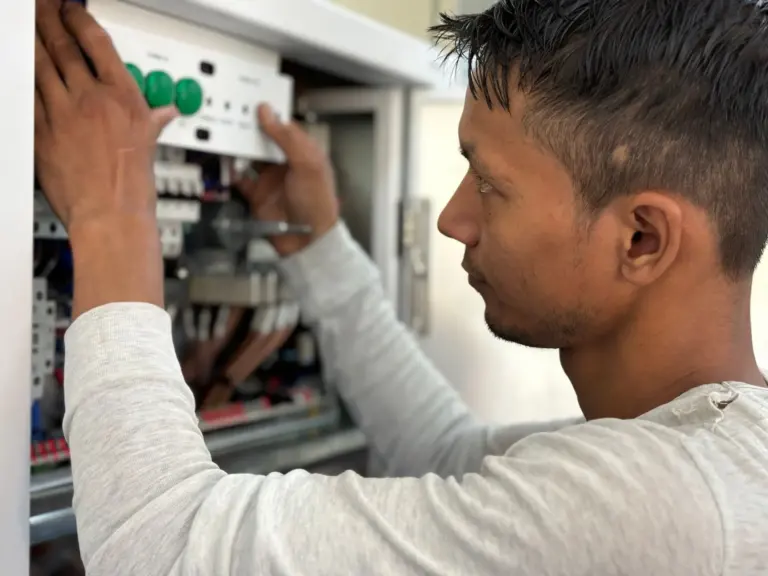
Your electrician opens a few switch boxes, checks for neutrals and grounds, looks at box size and checks the panel for capacity and space.
Device plan
You agree on which products to use, where they go and whether any new wire, boxes or circuits are needed.
Installation
Devices are wired in, labeled and tested one by one. Any permit work is inspected by the city.
Setup and handoff
Devices are connected to your network and app, and you are shown how to use them, including how switches behave during a Wi-Fi or power outage.
What Affects the Cost
| Factor | Why it matters |
|---|---|
| Number of devices | Each switch, dimmer or camera takes time to wire and set up. |
| Neutral wires | Boxes without a neutral may need new cable or a different device. |
| Wall and ceiling access | Finished walls, two story homes and plaster slow down wire runs. |
| New circuits or outlets | Exterior cameras, floodlights and panels may need new wiring and a permit. |
| Who supplies the devices | Using your own products vs products your electrician supplies. |
| Integration work | Scenes, schedules and linking several brands take extra time. |
Local Things to Plan For
- Windstorm outages. Puget Sound Energy customers in Federal Way see outages during fall and winter storms. Choose switches that still work manually, and consider battery backup for your router or a backup generator.
- Damp weather. Exterior cameras, floodlights and smart outlets need weather-rated boxes and GFCI protection where required.
- Baseboard heat. Many older homes in Twin Lakes, Lakeland and Redondo use electric baseboard heaters, which need 240 volt line voltage smart thermostats, not the low voltage models made for furnaces.
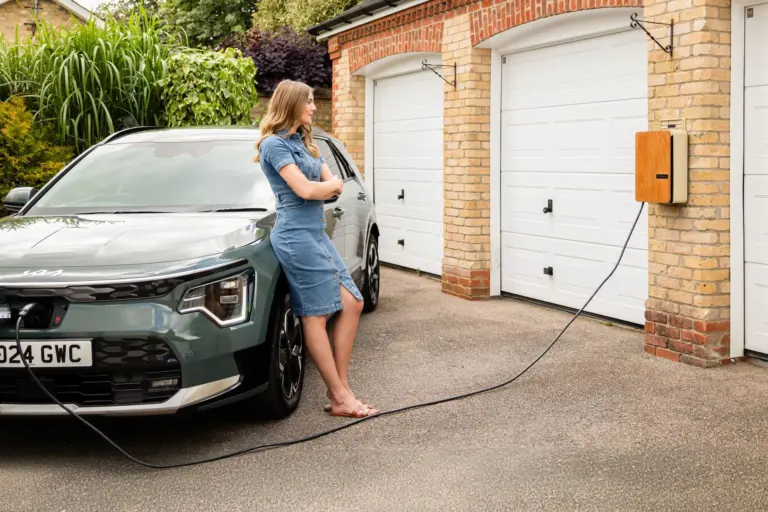
- Future loads. If an EV charger or heat pump is on your list, plan it at the same time. See EV charger installation.
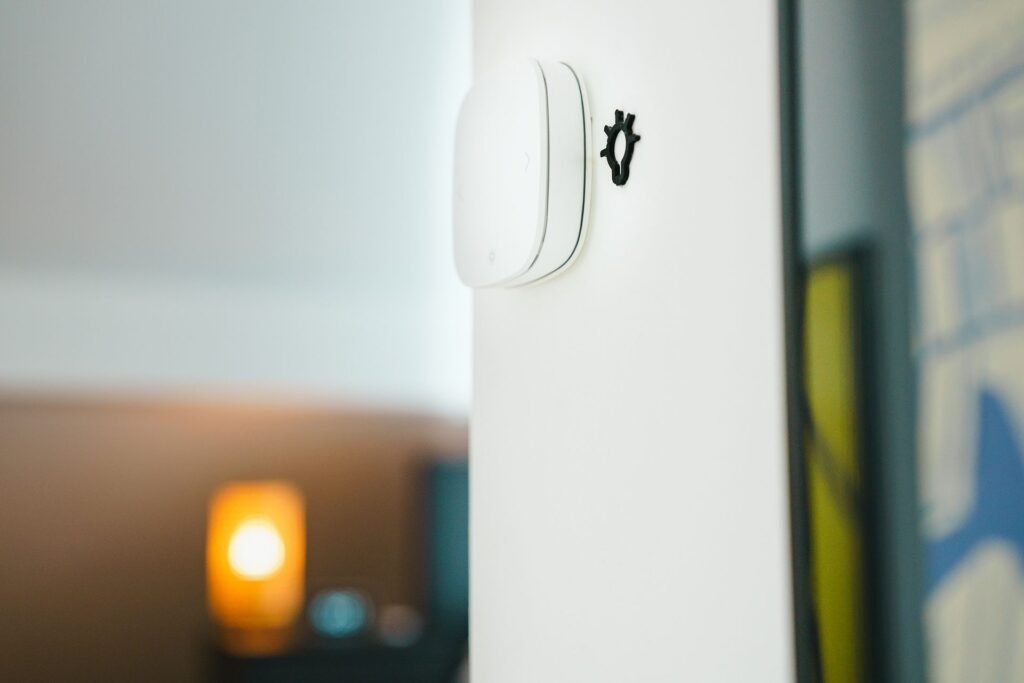
Whether you want 3 smart switches in the kitchen or a full system across the house, Electrician Federal Way can connect you with a licensed local electrician who serves Federal Way, Dash Point, Steel Lake and the surrounding area.
Smart Home Installation FAQs
Do smart switches need a neutral wire?
Most Wi-Fi smart switches do. Some models are made to work without one, and some systems use a separate remote at the switch. Your electrician can check your boxes and recommend options.
Can I put smart devices in an older Federal Way home?
Yes, in most cases. Older homes may need a neutral wire run, larger boxes or updated grounding first. Homes with aluminum branch wiring need special connection methods.
What is Matter and do I need it?
Matter is a shared standard that lets devices from different brands work with Google, Alexa and Apple Home. You do not need it, but choosing Matter-ready products makes it easier to switch or mix brands later.
Will my smart switches work if the Wi-Fi or power goes out?
Good smart switches still turn lights on and off by hand when Wi-Fi is down. When the power is out, they are off like any other switch. A generator or battery backup keeps key devices running.
Can I install a smart thermostat on baseboard heaters?
Yes, but you need a line voltage smart thermostat rated for 240 volt baseboard heat. Low voltage thermostats for furnaces will not work and can be damaged.
Does smart home installation need a permit in Federal Way?
Swapping devices on existing wiring often does not, while new circuits, new outlets or new exterior wiring usually does. Your electrician will know when a City of Federal Way permit is required.
Should I add surge protection for smart devices?
It is a good idea. Smart switches, hubs and thermostats contain electronics that can be damaged by power surges. A whole home surge protector at the panel adds a layer of protection.